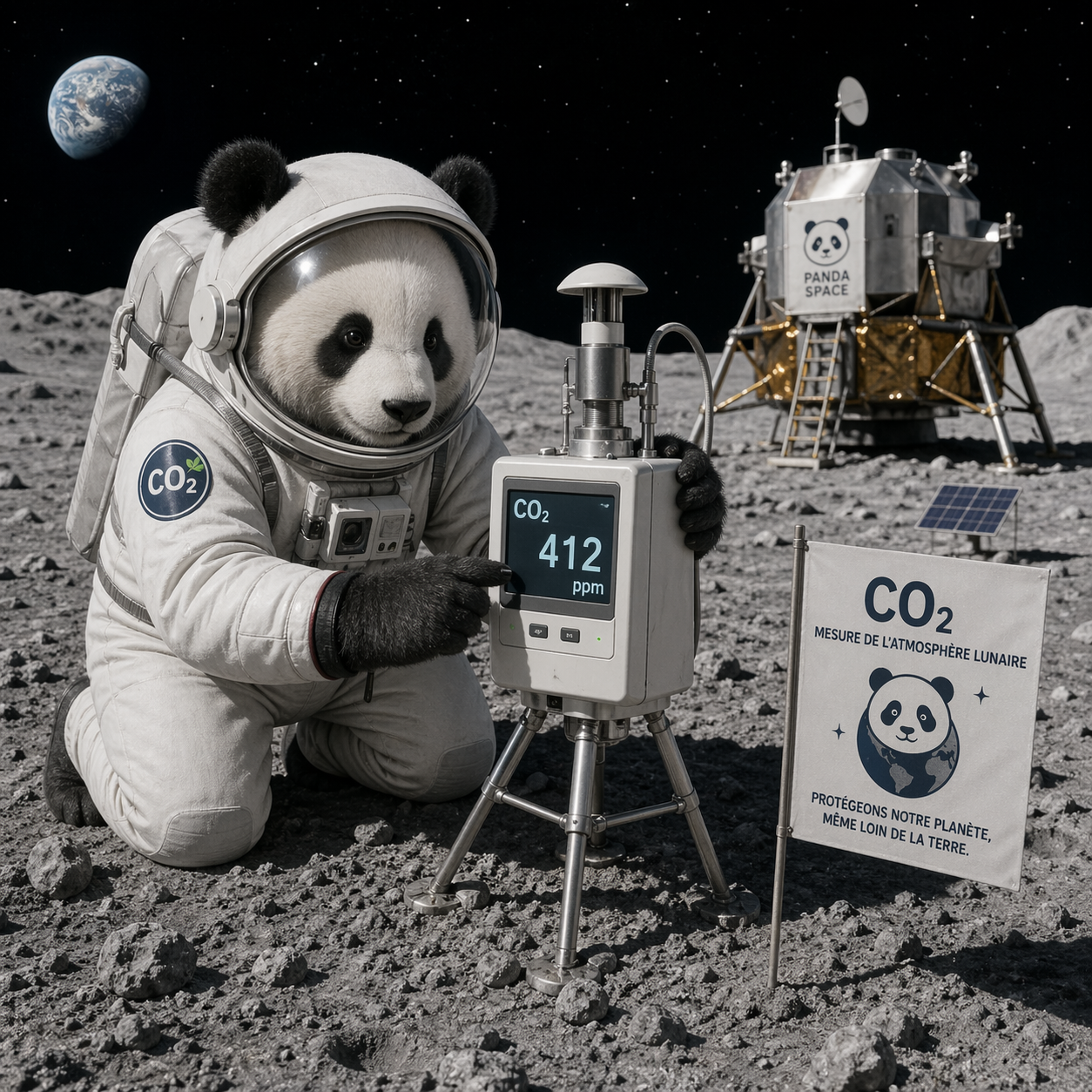
You are three astronauts in a small lunar habitat. You breathe, you work, you sleep. Every breath you exhale adds CO2 to the sealed cabin. Above 4000 parts per million, you start losing focus. Above 5000, you risk fainting. Above 8000, it becomes life-threatening.
A scrubber can remove CO2, but it draws a lot of power. Solar panels are precious. Batteries have to last through the 14-day lunar night. You cannot run the scrubber flat out all the time.
Mission Control on Earth could help, but any command takes more than 2.5 seconds to round-trip. In an emergency, that is too long. So a controller on a small chip, inside the habitat, decides by itself when to turn the scrubber on, for how long, and at what power.
This page lets you play that controller. Three crew members breathing at different activity levels (sleep, rest, light work, heavy work) for as long as you want. Your job: keep CO2 safe, use as little energy as possible. Click Start and watch what happens.
The scrubber itself can be in three states: brand new and oversized, end-of-life at nominal capacity, or degraded (clogged, tired, reduced efficiency). Try each preset. An AI planner is only useful when the hardware is marginal or broken. Testing all three is how you discover where the AI earns its cost.
The blue line is the cabin CO2 concentration in parts per million. It rises as the crew breathes and falls when the scrubber runs.
The dashed orange line (at 3500 ppm by default) is the comfort limit. Below, people work fine. Above, focus drops.
The dashed red line (at 4000 ppm) is the safety limit. NASA considers this the upper bound for sustained operations.
The colored strip at the bottom is what the scrubber is doing: dark for off, green for low power, yellow for medium, red for high. A good controller stays mostly dark and green.
Scrubber effective %. Real chemical scrubbers do not reach full power instantly. When you command "high", it takes a few minutes to ramp up (chemical activation, gas transport). The "Scrubber" metric shows the command and the current effective power in parentheses. The Predictive controller knows about this lag and anticipates. The Reactive one does not, which is why it sometimes overshoots.
The metrics row shows the current CO2, the current action, the current power draw, and the total energy used since the start. The total energy is what you want to minimize, as long as CO2 stays under the red line.
Three controllers are available. Pick one, click Start, let it run for 20 minutes of simulated time, then click Stop and Reset, switch controller, run again. Compare the total energy used at the same end time.
Predictive (the SpikyPanda AI controller). This is the interesting one. A small neural network running on the ESP32 knows how CO2 evolves over time. Every minute, it simulates 30 possible futures: what happens if I keep the scrubber off for five minutes, then switch to medium? what if I run it at low for twenty minutes? It picks the future that keeps CO2 safe with the least energy, and executes the first step of that plan. Then it replans every minute. The technical name is Model Predictive Control.
Reactive threshold. A simple recipe: if CO2 goes above 3500, switch to high power. If it is between 2500 and 3500, go medium. Below that, low or off. No planning, no anticipation, only reaction to the current reading. In control theory this is called a bang-bang controller. It works, but it tends to overshoot and waste energy because it only responds after the problem is already there.
No control. The scrubber never runs. Useful to see how fast CO2 climbs in a sealed habitat with three people. You will see the safety line cross in under an hour. This is the worst case and the reason any controller is needed.
Which controller wins depends on the hardware. Try each scenario with the scrubber preset above. With a brand new oversized scrubber, the Reactive threshold does fine, the AI has little room to improve. With an end-of-life scrubber, the AI starts winning. With a degraded scrubber where even full power barely handles the load, the AI is the only one that keeps CO2 safe, because it anticipates the slow response and pre-activates the scrubber. This is where MPC earns its cost.
The Predictive controller runs entirely in your browser using the same SpikyPanda runtime that runs on an ESP32. The dynamics model is a tiny neural network with 401 parameters (2.2 KB ONNX file, Gemm and Relu ops only, all validated by our 156 conformance tests). It takes the current CO2, the current crew size, and a candidate scrubber action, and predicts the CO2 value one minute later.
Three new compute graph nodes wrap this dynamics model: RolloutNode unrolls it 30 times forward to simulate a 30-minute window. ObjectiveNode scores the simulated trajectory with a cost function (penalize high CO2, penalize energy). ShootingSelectorNode samples 30 candidate action sequences, scores each via rollout + cost, returns the first action of the best one.
The whole decision loop, sense plus think plus act, takes roughly 2 ms in the browser and under 50 ms on an ESP32 running the compiled C++ version. No cloud, no GPU, no dependencies beyond the runtime bundle.
The article "Factor Graphs and World Models" (gtsam.org, 2026) describes this pattern as Sense-Think-Act with Graphs. The past graph estimates state from sensors. The future graph rolls out candidate actions and picks one. Both share the dynamics model. This page is a runnable instance of that idea.
Brand new scrubber, over-dimensioned. Any action handles any load. Threshold and AI look alike here.
These controls only affect the Predictive AI controller. Try different values and compare total energy after 20 simulated minutes.
Run one controller for, say, 60 simulated minutes. Then switch controller and click Start again. The old run is automatically saved as "Previous" so you can compare live. Lower max CO2 and lower total energy both mean a better controller.
Loading...
Waiting for first run